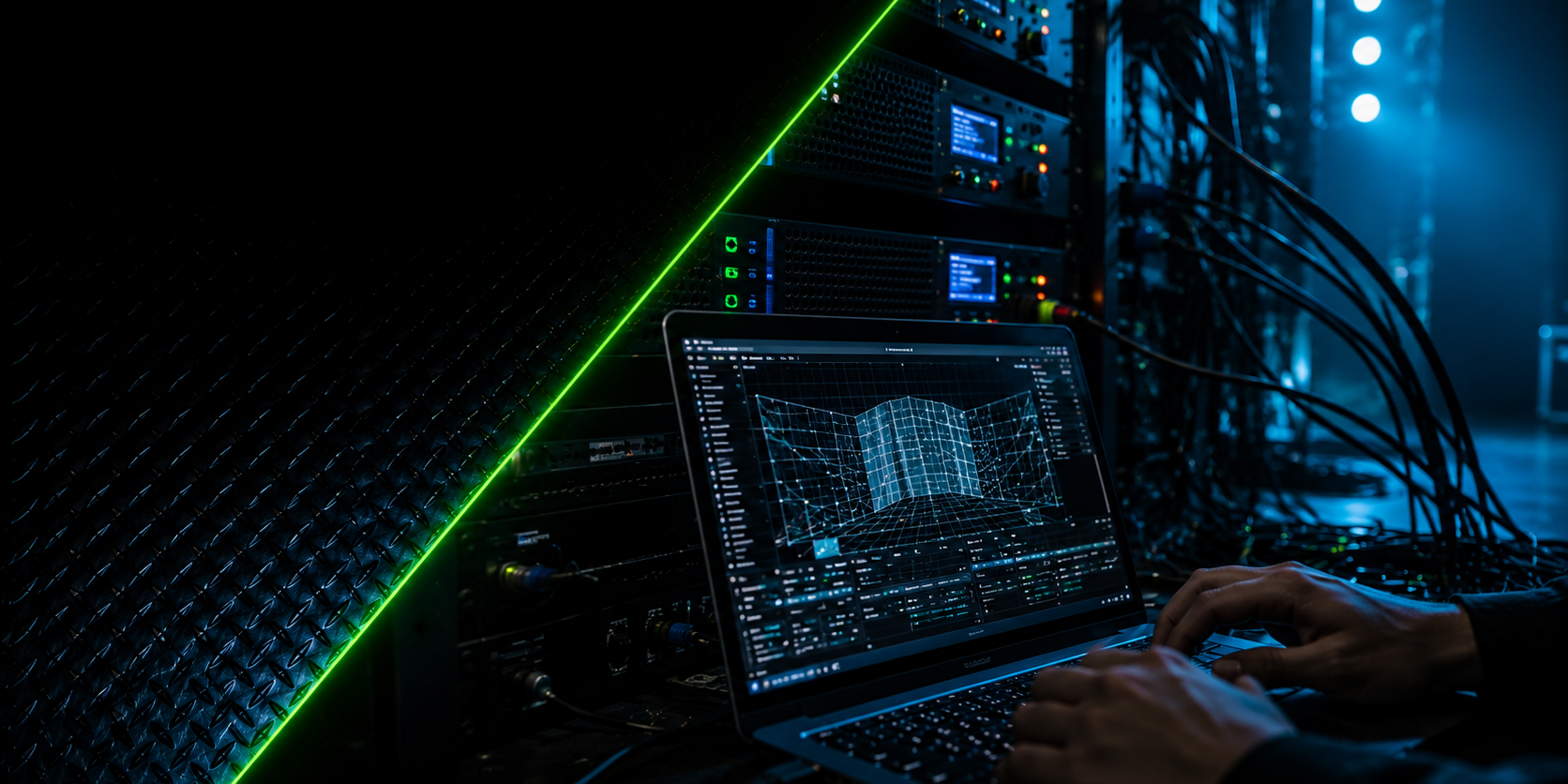
Media Servers Explained: The Brain Behind Modern Visual Productions
A media server is the specialized computer system that plays back, processes, and distributes all visual content in a production — feeding every LED wall, projector, and screen from one synchronized source. It handles what ordinary computers cannot: multiple simultaneous ultra-high-resolution outputs, real-time warping and blending for projection mapping, frame-accurate synchronization across systems, and live manipulation of content during the show. If the screens are the face of a modern visual production, the media server is its brain.
This plain-language guide explains what a media server actually does, how it differs from playback software and projectors, the core techniques of mapping and blending, why serious productions always run backups, and how to choose the right platform for a project’s scale.
What Does a Media Server Actually Process?
A media server ingests content — video files, live camera feeds, real-time graphics — and processes it for the physical reality of the show: splitting one giant image across many outputs, warping it onto surfaces, color-correcting per screen, and executing it all on a timeline or cue structure synchronized with lighting and audio. It is simultaneously a playback engine, a compositor, a router, and a show computer.
The processing jobs, unpacked:
- Playback at production scale. Consumer computers struggle with one 4K stream; media servers play many simultaneously — uncompressed or in specialized codecs (HAP, NotchLC) built for real-time performance — without dropping frames, for hours, reliably.
- Canvas composition. The server holds one virtual canvas (which may be 12,000 pixels wide across an LED wall, side screens, and set pieces) and assigns regions of it to physical outputs. Content teams design to the canvas; the server handles the carving.
- Real-time manipulation. Layers, opacity, speed, color, effects, and position adjusted live — the machinery behind live VJing and the reason a show can adapt to reality instead of replaying a fixed file.
- Input handling. Live cameras (for image magnification at concerts and conferences), presenter slides, video calls, generative content, and data feeds — all composited into the canvas alongside prepared content.
- Synchronization and control. Timecode chase (following the show’s master clock), and control protocols in and out — OSC, MIDI, DMX/Art-Net — letting the server trigger lighting, follow the console, or run the whole show as master.
- Output conditioning. Per-output color calibration, test patterns, and the signal formats LED processors and projectors require.
The one-sentence version for non-technical stakeholders: the media server is the difference between “playing a video on a screen” and “running a visual show.”
Media Server vs Playback Software vs Projector — What Is the Difference?
A projector (or LED wall) is a display device — it shows whatever signal arrives. Playback software plays video files on a general-purpose computer. A media server is the dedicated system between them: purpose-built hardware and software that composes, processes, synchronizes, and distributes content to displays at scales and reliability levels ordinary playback cannot reach.
The distinction, layer by layer:
- The projector/LED wall: the mouth. It displays; it does not decide. Brightness, resolution, and optics matter enormously — but a projector pointed at a curved wall shows a distorted image unless something upstream pre-corrects it. That something is the media server.
- Playback software: the casual layer. A laptop with a presentation tool or video player serves a boardroom fine. Its limits appear fast in production: one output or two, no frame-accurate sync with other systems, no warping or blending, no redundancy, and an operating system that may decide to update at 8 PM.
- The media server: the professional layer. Dedicated machines running platforms such as Resolume Arena (the live/VJ workhorse), Dataton WATCHOUT (multi-display shows and installations), disguise (large-scale touring and broadcast), plus tools like MadMapper and HeavyM in the projection-mapping space. Purpose-built for many outputs, real-time processing, show control integration, and not failing.
- The gray zone, honestly. Small shows do run on a laptop with VJ software and one output — functionally a modest media server. The category boundary is not price but capability: the moment a show needs multiple synchronized outputs, geometric correction, or guaranteed reliability, it needs the real layer.
- Why the confusion costs money. Clients who conflate the layers budget for projectors and forget the brain — then wonder why the rented 20K-lumen units show stretched, unsynchronized content. The display is only as intelligent as what feeds it.
What Are Mapping, Warping, and Blending?
Mapping, warping, and blending are the geometric techniques that make projection fit reality: mapping assigns content to physical surfaces, warping bends the image so it lands undistorted on non-flat geometry, and blending merges multiple projectors’ overlapping images into one seamless picture. Together they are why projection mapping is called mapping at all.
Each technique, explained:
- Mapping. Defining what content goes where in physical space: this video region onto that wall, this layer onto the sculpture, black (nothing) onto the windows. The media server holds a map of the real environment’s surfaces and routes canvas content to each — turning a building or stage set into an organized layout of screens that happen not to be screens.
- Warping. Physical surfaces are rarely flat and projectors are rarely perfectly perpendicular. Warping pre-distorts the image — corner-pinning, curved-surface meshes, keystone correction — so that after projection onto the real geometry, it looks correct to the audience. On complex surfaces this uses a 3D model of the object and the projector’s exact position and lens profile.
- Edge blending. One projector is rarely enough for large surfaces. Multiple projectors overlap their coverage zones, and the server ramps brightness down across each overlap so two (or ten) projectors read as one continuous image. Done well, the seams are invisible; done poorly, bright double-exposed bands stripe the surface.
- Calibration and alignment. The on-site craft: test grids projected onto the surface, warp meshes adjusted point by point, blend curves tuned for the surfaces’ reflectivity. Automated camera-based calibration is increasingly common on complex installs; skilled eyes still finish the job.
- Why it lives in the server. All three techniques must process in real time, per output, at full resolution, synchronized — which is exactly the workload media servers are engineered for and playback software is not.
Why Do Productions Run Backup Media Servers?
Because the media server is the single point through which every visual in the show flows — and any single point of failure with an audience watching is an unacceptable bet. Professional productions run a backup server mirrored to the main: same content, same show file, chasing the same timecode, ready to take over in seconds. The audience should never know which machine finished the show.
The redundancy logic:
- The exposure calculation. One server feeding every screen means one hardware fault, software hang, or corrupted file equals total visual blackout at the event’s most public moment. The backup converts a show-ending failure into a seconds-long blip — or, with seamless switchover, into nothing visible at all.
- How mirroring works. The backup runs in parallel — same show file version, same content drive, receiving the same timecode and cues — with outputs ready behind a switching layer (manual changeover, matrix switch, or automatic failover depending on the production’s tier). The critical discipline is true mirroring: an out-of-date show file on the backup is a second failure pretending to be a safety net.
- What else gets duplicated. Content on redundant drives, signal paths routed separately for critical feeds, UPS power on all control equipment, and versioned show files after every programming session — recovery time after any failure equals the time to load a known-good file onto working hardware.
- The cost honesty. A backup server adds a modest percentage to the visual budget. Measured against the cost of a frozen frame during a chairman’s keynote or a national broadcast, the question answers itself. Productions that decline redundancy are pricing a public failure at zero.
- The professional tell. Ask any production partner: “What happens if your main server dies during the reveal?” The professionals answer with a rehearsed procedure and switchover time in seconds. The rest answer with reassurance — which is the risk, restated as a promise.
How Do You Choose the Right Media Server for a Project’s Scale?
Match the platform to four factors: output count and resolution, content type (playback, live, generative, interactive), operation style (timeline show, live performance, unattended installation), and the redundancy tier the stakes demand. Small shows run on a single license and a strong workstation; stadium productions run racks of dedicated hardware — the selection logic is the same at every scale.
The selection guide:
- Single-room events and VJ sets. One or two outputs, live-mixed content: Resolume Arena or comparable software on a serious workstation covers concerts, clubs, and compact corporate shows. This is also the entry point for learning the craft.
- Multi-screen corporate and installation work. Several synchronized outputs, timeline-driven shows, scheduled unattended operation: platforms in the Dataton WATCHOUT class — built for multi-display composition, installation reliability, and remote management. The natural home of museum installations and conference productions.
- Projection mapping projects. Dedicated mapping strength — warping tools, 3D calibration, per-surface control: MadMapper and HeavyM for compact-to-mid mapping work; the larger platforms above when mapping combines with multi-output show control.
- Touring, broadcast, and stadium scale. Racks of dedicated media server hardware in the disguise class: previsualization built in, camera and LED-volume workflows, deep redundancy, and the engineering support the scale demands.
- Interactive and generative work. Real-time engines — TouchDesigner, Notch — either standalone or feeding a playback server, when sensors, data, or generative content drive the visuals.
- The decision shortcuts. Count outputs honestly (including the backup’s), match codec and resolution demands to real hardware benchmarks, prefer platforms your available operators actually know (the operator matters more than the logo), and specify installation-grade reliability for anything running unattended. When in doubt, rent the tier above and hire the operator who has run it before.
FAQ
What exactly does a media server do at an event?
It plays back and processes every piece of visual content — videos, live cameras, graphics — and distributes them across all screens and projectors as one synchronized composition. It also handles warping and blending for projection surfaces, follows or generates the show’s timecode, and integrates with lighting and audio so every system fires together.
What is the difference between a media server and a laptop playing videos?
Scale, processing, and reliability. Media servers drive many simultaneous high-resolution outputs, warp and blend images onto physical geometry, synchronize frame-accurately with other show systems, and run on hardware engineered not to fail mid-show. A laptop plays one file on one screen and answers to a consumer operating system’s whims.
Which media server software is most common?
Resolume Arena dominates live VJ and concert work; Dataton WATCHOUT is a standard for multi-display shows and permanent installations; disguise leads large touring and broadcast productions; MadMapper and HeavyM specialize in projection mapping; TouchDesigner and Notch power interactive and generative content. Platform choice follows project scale, content type, and operator availability.
Why do productions pay for a backup media server?
Because every visual in the show flows through one machine, and hardware fails without regard for occasion. A mirrored backup — same show file, same content, chasing the same timecode — converts a show-ending blackout into an invisible switchover. Against the cost of a public failure at a flagship event, the premium is negligible.